
Samsung Galaxy A34 review: A sturdy mid-ranger that ticks all the boxes
Samsung Galaxy A34 review: A sturdy mid-ranger that ticks all the boxes
I’ve been using Samsung’s Galaxy A34 for over a month now, and here's what I think about this mid-range device.
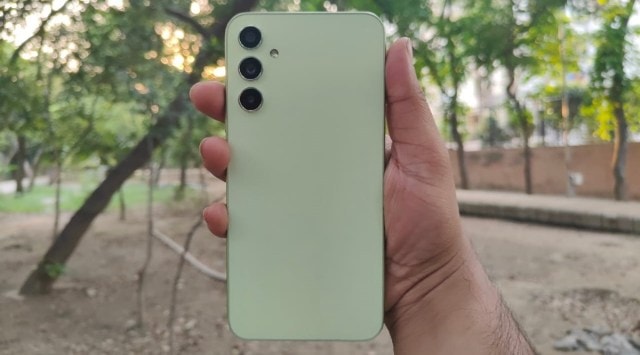
I spent a few weeks with Galaxy A34 as my daily driver, and here’s my review.
Samsung Galaxy A34 specifications: 6.6-inch 120Hz AMOLED | MediaTek Dimensity 1080 | 8GB RAM + 128GB storage | 48MP + 8MP ultrawide + 5MP macro + 13MP front camera | 5000mAh battery + 25W charging | One UI 5 based on Android 13
Design and aesthetics
At first glance, the Galaxy A34 looks similar to the company’s latest flagship, the Galaxy S23. It features three minimal camera cutouts, which look very clean, unlike other phones that have large camera islands.
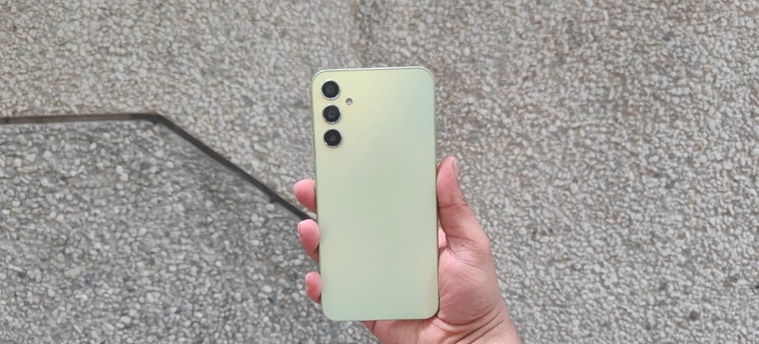
I got the ‘Awesome Lime’ colour for review, which is essentially a light green shade. The phone shines under direct sunlight, offering a premium look. But for reasons unknown, Samsung opted for a plastic back. This might be a deal-breaker for some since it also makes the phone slippery. However, the boxy frame does offer some level of grip. During my use, I noticed the phone was prone to scratches, so a protective cover might be a good investment right after purchase.
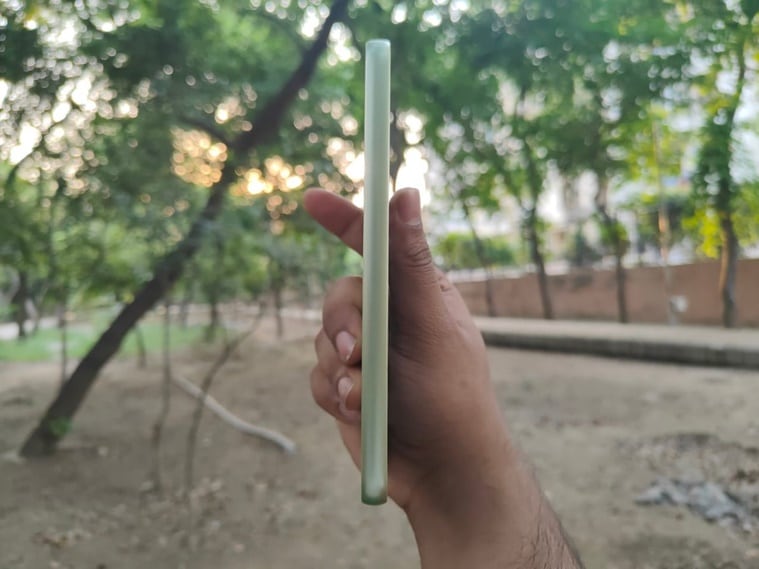
Like most Samsung devices, the volume and power buttons are on the right side. I have medium-sized hands, and I find that most phones position the power button slightly on the upper half, which can be inconvenient for one-handed use. Although the Galaxy A34 sports a 6.6-inch screen, Samsung has positioned the power button slightly lower than on other phones, making it more ergonomic than devices with similar screen sizes. One standout feature is the IP67 certification, so you wouldn’t have to worry about your phone getting wet, even during heavy rain.
What about the display?
When it comes to the screen, the 120Hz AMOLED panel is exceptionally bright and crisp, aligning with other phones in this price segment. Out of the box, the colours lean towards the warmer side, but they can easily be adjusted. It is perfectly usable even on sunny days.
While this is a great device for content consumption, other phones in the same price bracket can also claim this. My only gripe with the display is the teardrop notch; it feels a bit dated and can be distracting when watching videos or even just holding the phone due to its large size.

User interface and performance
Powered by the MediaTek Dimensity 1080 chipset, the Samsung Galaxy A34 might not be the fastest phone under Rs 30,000, but One UI appears to compensate well. The phone stuttered a couple of times, possibly because I was using an app while playing games in the background. Nonetheless, it blazes through everyday tasks and runs smoothly even with multiple apps open.
For those new to One UI, like myself, the user interface might be slightly confusing at first. However, those already using a Samsung phone will feel right at home. Compared to other Android OEM skins, One UI 5 feels refined. The animations are smooth, and the UI is feature-packed. It took me about a week to explore every available option, as there are many of them.
Some of the most useful features include the ability to create widget stacks like iOS and the handy sidebar that allows quick opening of apps in a small window by simply dragging out the icon. The phone comes with some bloatware out of the box, but these can easily be uninstalled. One thing that annoyed me was the horizontal app drawer, which I could change using a GoodLock module. But then the top half of the app drawer started displaying a list of ‘Priority Apps’ that cannot be disabled.
A major advantage that the Galaxy A34 has over its competitors is its support longevity. The phone will receive four years of Android updates and five years of security updates, while other phones in the same price segment typically only receive at most 3 years of OS updates.
How good is the gaming performance?
While the Galaxy A34 is not specifically a gaming device, I tested a range of games on it. Graphic-intensive titles such as PUBG and Genshin Impact ran smoothly on low to medium settings. If you set the graphics to the highest level, you might experience frame drops, but this is common with all mid-range devices. Also, the phone does heat up a little during prolonged gaming sessions, but the temperature always remained under 45 degrees Celsius. My review unit came with 128GB of storage, which filled up quickly after I installed a couple of games. Thankfully, the phone includes a memory card slot for storage expansion.
Battery and audio
The Galaxy A34 is equipped with a 5,000mAh battery that can easily last a day or two with moderate usage. My typical day starts at 8 AM and involves using the phone to listen to music, watch videos, make calls, browse the internet, chat, and take a few photos. If you’re like me and heavily rely on mobile data, the phone should easily get you through the day. Like other mid-range Samsung devices, the charging speed is capped at 25W, meaning it takes about 90 minutes for a full charge.
The phone features two speakers: one on the bottom and the other on the earpiece. If you listen to music outdoors, the sound will be audible but don’t expect it to be particularly loud.
Camera
The Galaxy A34 boasts a triple camera setup, featuring a 48MP primary camera, an 8MP ultra-wide sensor, and a 5MP telephoto lens. The 48MP lens performs excellently; photos turn out crisp and detailed. If you prefer saturated colours, make sure to enable the ‘Scene Optimizer’ and ‘Auto HDR’ in the app settings.
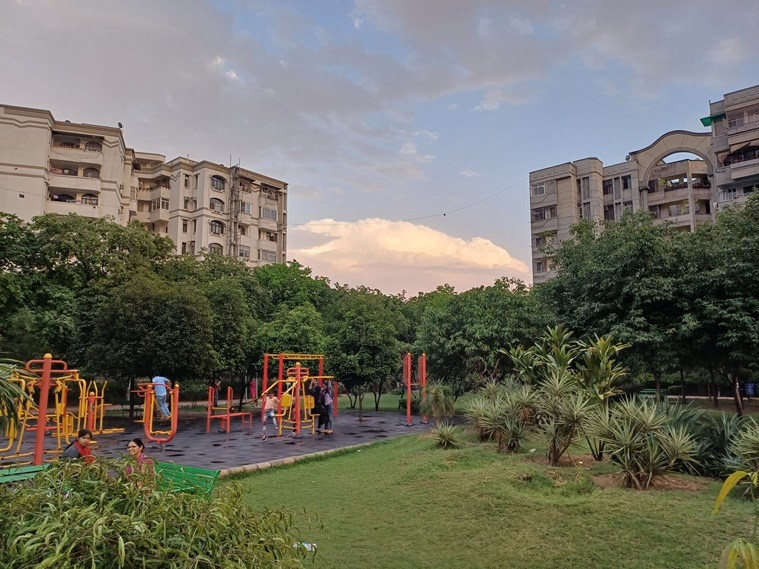
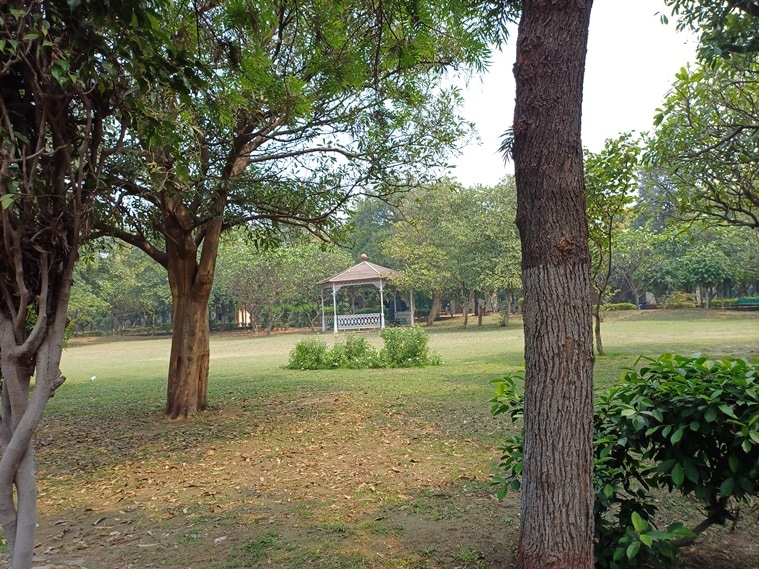

By default, the phone takes 12MP photos, but for capturing more detailed images in good lighting conditions, I recommend turning on the full-resolution 48MP mode. This offers more detail and tones down Samsung’s typically oversaturated colour science. The blur effect from the main camera appears natural, and edge detection is excellent.

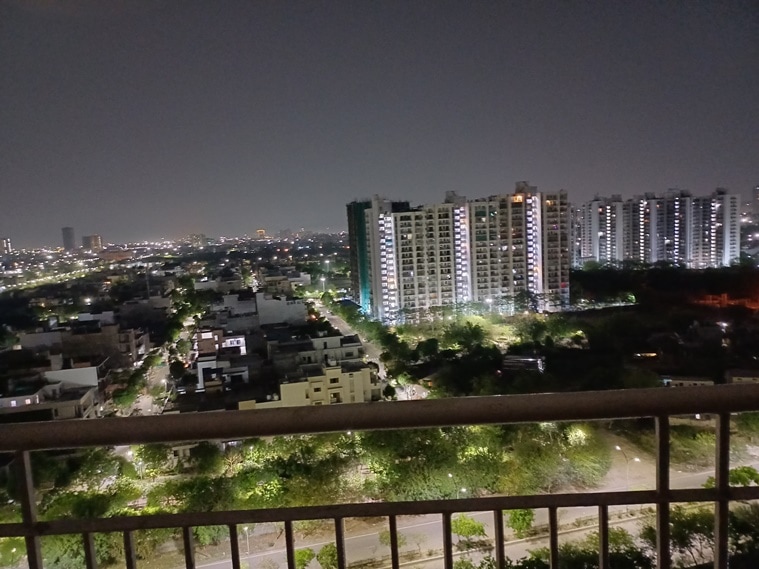
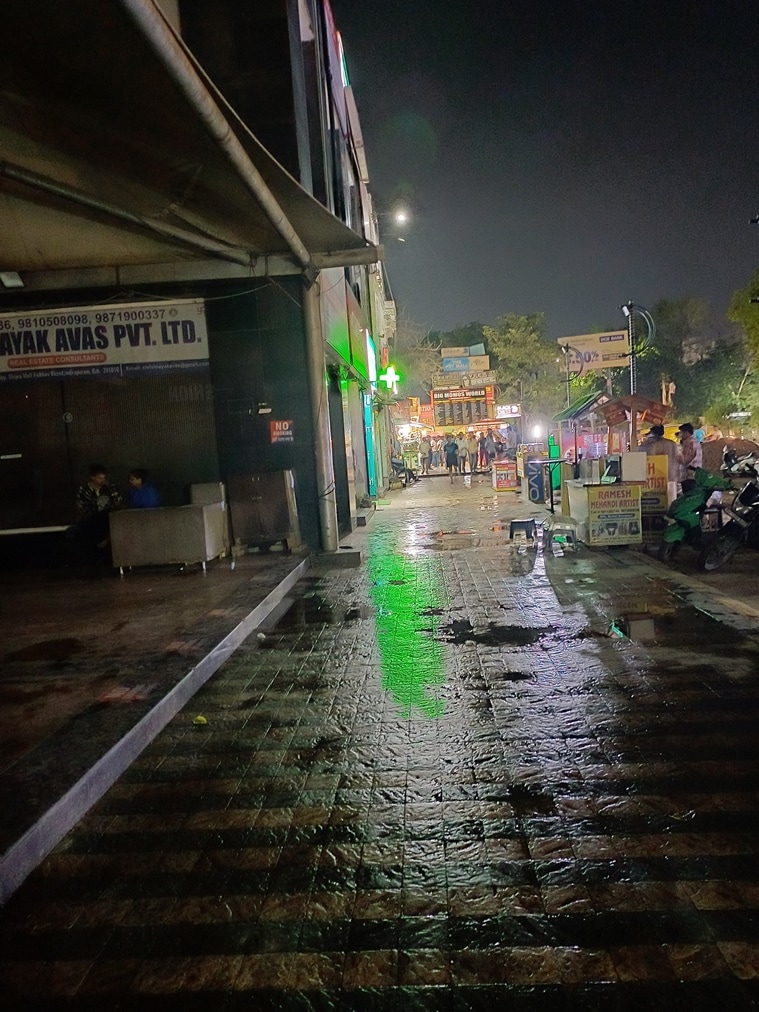
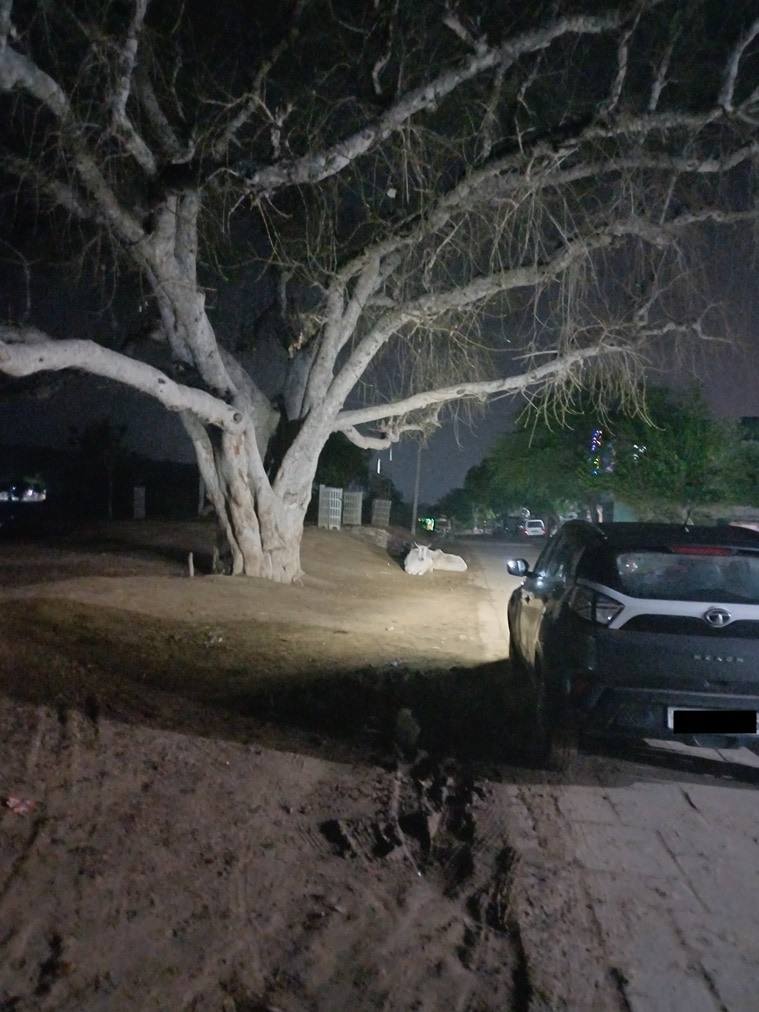
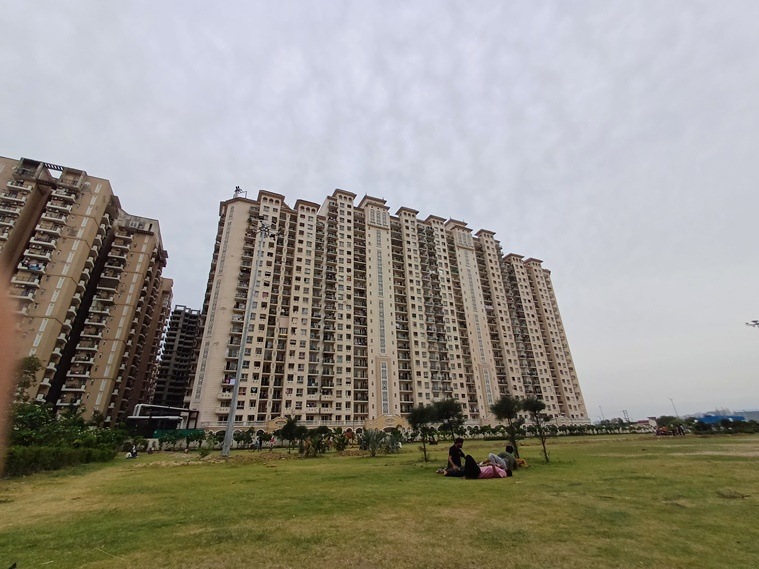

When you switch to the 8MP ultra-wide shooter, you’ll notice that although the photos come out crisp, the saturation and contrast are on the higher side. However, the images are detailed and don’t appear soft. Also, the 5MP macro sensor is more than usable, unlike some of the 2MP gimmicky lenses that phone manufacturers often include these days. The focus appears to be fixed at 4cm, which might take some time to get used to, but once you do, images from the macro sensor come out detailed with a nice natural blur.


Post a Comment